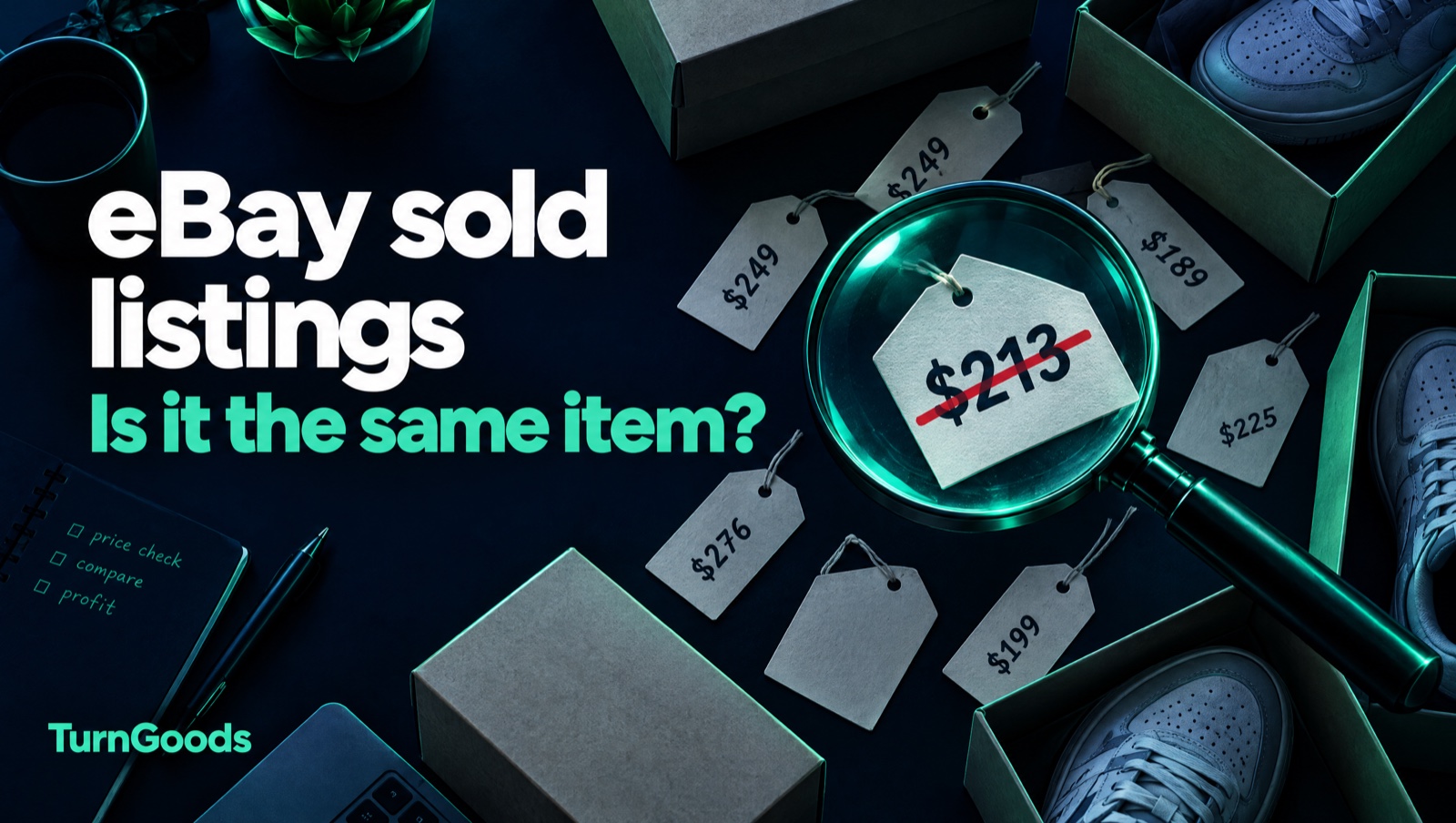
To see eBay sold listings in Australia, search for your item, then tick “Sold items” under “Show only” in the filters (on the app: Filter → Show only → Sold items). eBay shows completed sales from roughly the last 90 days, with sold prices in green. That’s the best free pricing data a reseller has. It’s also easy to misread: the median of a sold search often describes a different item, a different condition or a different total price from the one you’re about to list.
We run Still In The Box AU, an eBay store, and we build TurnGoods around the pricing decisions that come with it. Every example below happened in our own store’s pricing work. They’re labelled as our examples, not customer results, and some of them are mistakes we made before we caught them.
Key Takeaways
- The “Sold items” filter on eBay.com.au shows about 90 days of completed sales for free. Product Research in Seller Hub goes further back, but eBay’s Australian help page lists it as a Pro-plan feature.
- Compare landed prices (item + postage) with your own landed price. Comparing item-only comps against a free-postage ask once made our prices look up to 3.6× too high when they were actually 11–32% below market.
- One low exact match is not a price correction. Wait for a second, independent data point before cutting a fresh listing.
- A median is only as good as its matches. Look-alike models, retro years and broadened searches produced confident, wrong medians in our own data, including one that would have doubled a price by mistake.
- Read the actual listings behind a median before you act on it. Five minutes reading titles beats any automated number.
How to find sold listings on eBay Australia
On desktop:
- Search eBay.com.au for the item, as specifically as you can (brand, model, colour, size).
- In the left filter column, scroll to Show only and tick Sold items. (“Completed items” also shows listings that ended without selling.)
- Sold prices show in green. A struck-through or black price means the listing ended unsold.
- Check the end dates. A sale from 80 days ago may describe a different market.
On the eBay app: search, tap Filter, then turn on Sold items under Show only.
Beyond 90 days: eBay’s Product Research tool (formerly Terapeak) in Seller Hub shows longer sales history and sell-through. In the US it’s widely described as free; eBay’s Australian help page says Product Research is available to Pro sellers. Open Seller Hub → Research to see whether your account has it.
That’s the mechanics. The rest of this guide is about reading what you find.
1. Compare landed prices, not item prices
A sold listing has two numbers: the item price in large type, and the postage underneath in small type. Buyers pay both.
If you offer free postage, your ask is a landed price. Compare it with item-only comps and you’ll think you’re overpriced.
What happened to us: an automated check once reported four of our PlayStation 2 games as priced 1.8–3.6× above market. The comparison had only captured item prices, and many cheap comps were overseas sellers charging A$18–33 postage into Australia. Once postage was added, the picture flipped:
| Game | Our free-postage ask | Landed market median | Reality |
|---|---|---|---|
| Tekken Tag Tournament | A$29.90 | A$42.08 | 29% below market |
| MX vs ATV | A$28.00 | A$41.29 | 32% below |
| Theme Park World | A$32.95 | A$37.18 | 11% below |
The conclusion wasn’t just wrong, it was inverted.
The rule: add postage to every comp, and compare like with like. If a comp’s postage isn’t shown, treat it as unknown, not free.
2. One low sale is not a price correction
It’s tempting to find the single sold listing with the exact same style code and treat it as the truth. Exact makes a comp relevant. It doesn’t make it representative.
What happened to us: a pair of Air Jordan 4 SE “What The” was listed at A$379. We found one exact-match sale far lower and cut the price to A$229. On StockX the same shoe was trading at A$506 and A$585 that month. The one cheap eBay sale was the outlier, not the market. A pair of Air Jordan 3 SE Denim Fire Red went the same way: cut from A$299 to A$189 on one sale, while two verified deadstock listings in the same size were asking A$357 and A$377.
A single cheap sale is usually one of these:
- a worn or damaged item without its box (titles rarely say so);
- a weak listing with poor photos, a vague title or the wrong category;
- an auction that ended at a dead hour;
- a different size, at the cheap end of the size curve.
The rule: before moving a price down, get a second, independent data point, ideally from a different market. The cost is lopsided. Pricing too high costs shelf time, and Best Offer exists for exactly that. Pricing too low gives the money away the moment a buyer accepts.
This is different from marking down aged stock. If an item has sat for months, time on the shelf is the evidence, and a markdown is right. One low sale on a fresh listing isn’t.
3. Look-alike models drag the median down
Search results bleed across a model line. A query for a specific shoe happily returns its cheaper cousins, and the median blends them together.
What happened to us: for a pair of Nike Air Max Plus TN “Greedy”, a loose search returned 19 sold listings with a median of A$213. Our price was A$429, so it looked badly overpriced. Then we required the style code to appear in every comp’s title. The number of genuine matches dropped to zero. The 19 “comps” were ordinary TNs, not the Greedy colourway at all.
The rule: require the style code or model number, or failing that every distinguishing word (model and colourway), not just some of them. If that leaves fewer than five sales, treat the median as a hint, not a price.
The flip side: don’t search a bare style code on its own either. eBay’s search often can’t find enough exact matches and silently broadens into different products. Searching a colourway name the way sellers actually write it (“Triple Black”, “Grape”, “Solar Red”) usually gives cleaner results than the code alone.
4. Same name, different year
Sneakers, games and collectables get re-released. The 2018 retro and the 2011 original can share a name, sometimes even a style code, and sell for very different money.
What happened to us: for an Air Max 95 “Solar Red”, every sold comp turned out to be the 2011 original. Our pair was the 2018 retro. Taken at face value, the comps said to raise our price from A$259 to A$519, which would have doubled it on the strength of a different product.
The rule: read the release year, box label or edition in the comp listings. If the comps are a different year or edition from yours, they aren’t comps.
5. When the search broadens, it’s a different product
If eBay can’t find enough close matches, it shows loosely related items, and a median of those is meaningless. It doesn’t just make the comp cheaper; it prices something else entirely.
What happened to us: pricing a Louis Vuitton x NBA basketball by name returned shirts and keyrings with a median around A$789. The one sale of the actual ball, matched by product code, was A$3,131, about four times higher. A product code alone has its own trap: one LV code matched a vinyl record with the same catalogue number, which would have priced a A$1,920 LV blanket at A$6.
The rule: an exact match with one sale beats a broadened match with forty. Rank comps by “is this the same item?” before “how many are there?”, and always pair a product code with the brand name in the search.
A five-minute sold-listings check
Before you list or reprice anything, run through this:
- Filter: Sold items, recent end dates, same condition (new, used, for parts).
- Match: every comp has your model and variant: colourway, edition, year, capacity or size.
- Landed: add postage to every comp, and compare against your own landed price.
- Count: fewer than five genuine matches means a hint, not a price. Check a second market (StockX, Pushas or other AU retailers) before cutting.
- Read: open at least the top three and the cheapest. Look for damage, missing boxes, odd sizes and auctions that ended at 3 am.
Then work out what you’d actually keep at that price. The eBay fees calculator shows your proceeds after eBay’s fees and postage on free selling or Pro Starter. If a price still doesn’t make sense after the check, our earlier post on using your own sold history alongside market comparisons covers the second source worth checking.
Where TurnGoods fits
Everything above is how we price our own store, and none of it needs software. What TurnGoods adds is the record: which comps you used, what you decided, and what actually sold, so the next pricing call starts from evidence instead of memory. If you’ve got a batch of listings that aren’t moving, a listing review works through them with that same check. Scope and cost are agreed first, and nothing changes on your live listings automatically.